FPGA 数据采集
R2026b使用 FPGA 数据采集观察设计在 FPGA 上运行时来自设计的信号。此功能从 FPGA 采集一个窗的信号数据并将数据返回到 MATLAB® 或 Simulink®。要采集信号,HDL Coder™ 会生成一个 IP 核,您必须将该 IP 核集成到 HDL 工程中并与设计的其余部分一起部署到 FPGA。HDL Coder 还会生成一个工具、一个 System object™ 和一个 Simulink 模型,以与 FPGA 通信并将数据返回到 MATLAB 或 Simulink。
要采集 FPGA 数据,请执行以下操作:
生成自定义组件和 IP 核。为生成的 IP 指定端口名称和大小。这些端口连接到要采集的信号和要用作触发器的信号以控制何时发生采集。
将生成的 IP 集成到 FPGA 设计中,并将设计部署到 FPGA 板。
使用生成的工具、System object 或 Simulink 模型采集数据以进行分析、验证或显示。您可以配置触发条件以控制采集发生的时间,以及配置采集条件以控制要采集哪些数据。
对于此步骤,您必须下载必需的硬件支持包。可用的支持包有:
HDL Coder Support Package for Intel® FPGA and SoC Devices
SoC Blockset™ Support Package for AMD FPGA and SoC Devices

工具
| FPGA 数据采集组件生成器 | Configure and generate FPGA data capture components |
| FPGA 数据采集 | Capture data from live FPGA into MATLAB workspace interactively |
函数
hdlverifier.FPGADataReader | Capture data from live FPGA into MATLAB workspace |
generateFPGADataCaptureIP | Open FPGA Data Capture Component Generator |
App
| 逻辑分析仪 | Visualize, measure, and analyze transitions and states over time |
模块
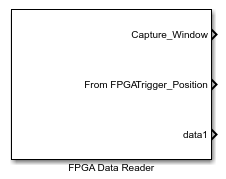 | FPGA Data Reader | Capture data from live FPGA into Simulink model |
主题
概述
- Data Capture Workflow
Capture signal data from a design running on an FPGA. - Capture Asynchronous Data
Capture asynchronous data from a design running on an FPGA using multiple data capture IPs.
数据采集需求和准备
- Set Up FPGA Design Software Tools
Set the MATLAB path to AMD®, Microchip, and Intel software. - Configure Logic Analyzer
Adjust settings in the Logic Analyzer.
数据采集过程
- Capture Data over PS Ethernet
Capture data over PS Ethernet interface. - Capture Data over USB Ethernet
Capture data over USB Ethernet interface. - Triggers
Use trigger conditions to capture data around specific events on the FPGA. - Capture Conditions
Use capture condition to control which data to capture from the FPGA. - Design Considerations for Data Capture
Signal, timing, and interface limitations for FPGA data capture.
精选示例
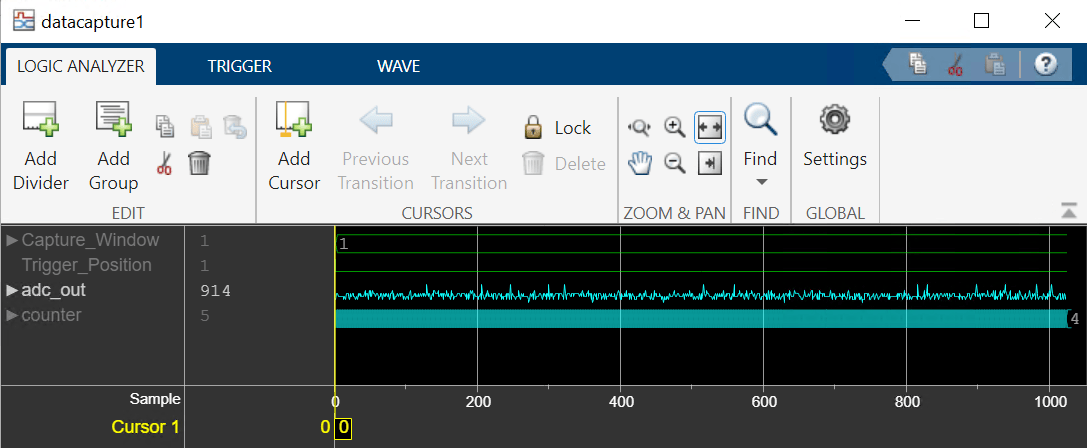
Capture Audio Signal from Intel FPGA Board Using FPGA Data Capture
Use FPGA data capture with existing HDL code to read FPGA internal signals.
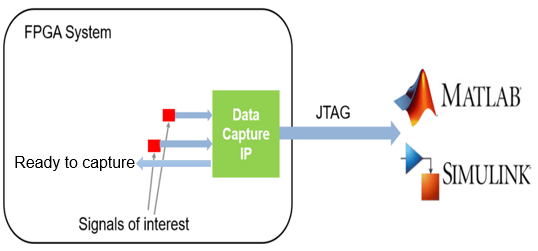
Stream Audio Signal from Intel FPGA Board Using Ready-to-Capture Signal
Use a ready-to-capture signal in FPGA data capture with existing HDL code to read FPGA streaming signals.

