从 Simulink 模型生成代码
R2026b通过生成 HDL 代码并将代码部署在专用集成电路 (ASIC) 或现场可编程门阵列 (FPGA) 上,在硬件中实现 Simulink 模型或子系统。在设计模型时使用与 HDL 代码生成兼容的模块。如果模型使用浮点数据,请使用 Fixed-Point Designer™ 将其转换为定点模型。应用优化以生成更加硬件高效的 HDL 代码。在生成 HDL 代码并验证它与原始算法匹配后,将 HDL 代码部署至目标硬件。
函数
主题
Simulink 到 HDL 代码生成
- Set HDL Code Generation Options
Access HDL options in the Configuration Parameters dialog box, Simulink toolstrip, block context menu, or HDL Block Properties window. - Generate HDL Code from Simulink Model Using Configuration Parameters
Use the Configuration Parameters dialog box to generate HDL code for your Simulink model. - Generate HDL Code from Simulink Model from Command Line
Use the command-line function makehdl to generate HDL code for your Simulink model. - 从 Simulink 模型进行 HDL 代码生成和 FPGA 综合
生成代码并在目标 FPGA 上综合您的 Simulink 设计。
基本代码生成实践
- Generate DUT Ports for Tunable Parameters
Generate tunable parameters as top-level DUT ports. - Obfuscate Generated HDL Code from Simulink Models
Learn how to obfuscate the generated VHDL®, Verilog® or SystemVerilog code from your model. - Scalarization of Vector Ports in Generated VHDL Code
Flatten vector signals on entire model or at DUT level into a structure of scalar signals in generated VHDL or SystemVerilog code. - Add Comments to Generated HDL Code
Add comments to generated HDL code by using Simulink annotations, signal descriptions, DocBlock blocks, or requirement links. - Use Test Points to Debug Signals with HDL Coder
An example that shows how to add test points to signals in your model and debug these signals in the generated HDL code. - Generation of Clock Bundle Signals in HDL Coder
How HDL Coder™ generates clock, reset, and clock enable signals in the HDL code.
精选示例
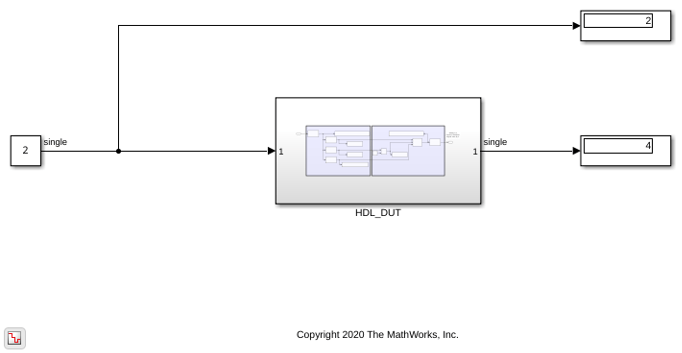
对 Float Typecast 模块进行仿真并为其生成 HDL 代码
使用 Float Typecast 模块将输入信号转换为浮点或定点。
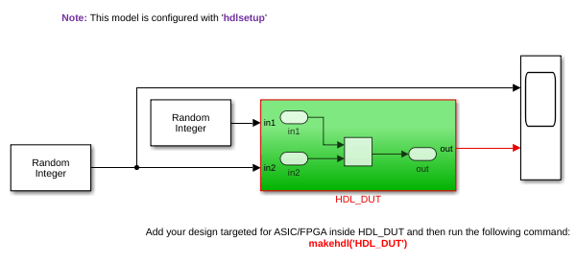
为 Simulink 模型生成 SystemVerilog 代码
此示例说明如何从 Simulink® 模型生成 SystemVerilog HDL 代码。与 Verilog® 代码相比,SystemVerilog 代码具有更高级的功能,例如使用数组端口、包声明、结构体端口等。
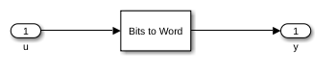
将位输入向量转换为整数
此示例说明如何在 Simulink® 模型中使用 Bits to Word 模块,该模型将位向量转换为无符号整数。您还为该模型生成 HDL 代码。

将整数转换为位向量
此示例说明如何在 Simulink® 模型中实现 Word to Bits 模块,该模型将整数转换为位向量。您还为该模型生成 HDL 代码。

Implement Sqrt Block with Control Signals
Implement the control-signal based Square root block and use it to generate HDL code.

Implement rSqrt Block with Control Signals
Implement the control-signal based reciprocal square root block and use it to generate HDL code.

Implement Divide Block with Control Signals
Implement the control-signal based Divide block and use it to generate HDL code.

Implement Reciprocal Block with Control Signals
Implement the control-signal based Reciprocal block and use it to generate HDL code.
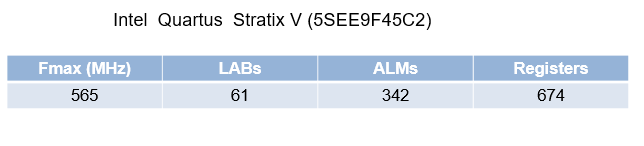
Implement Atan2 Block with Control Signals
Implement the control-signal based Atan2 block and use it to generate HDL code.
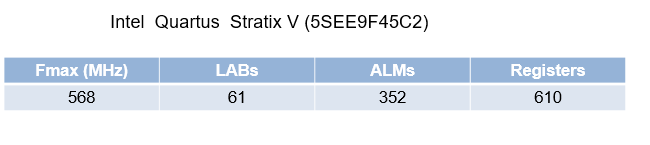
Implement Sine and Cosine Block with Control Signals
Implement the control-signal based SinCos block and use it to generate HDL code.

