Live Scripts and Functions
R2026bLive scripts and live functions are program files useful for interacting with a series of MATLAB® commands. Live scripts contain output and graphics with the code that produced them, together in a single interactive environment called the Live Editor. Live functions provide additional flexibility, allowing you to pass input values and return output values. You can add formatted text, images, hyperlinks, and equations to live scripts and functions to produce an interactive narrative that can be shared with others. To get started, see Create Live Scripts.

Functions
export | Convert live script or live function to standard format (Since R2022a) |
Topics
- Create Live Scripts
Create live scripts with formatted text, images, videos, hyperlinks, and equations, and view the generated output and graphics with the code that produced them.
- Live Code File Formats
Learn how live scripts are saved as plain text (
.m) or binary (.mlx) files, including their structure, behavior, and typical usage. - Create and Run Sections in Code
Divide MATLAB code files into sections and run all sections or run each section individually.
- Create Live Functions
Create live functions with formatted text, images, and equations.
- Add Help for Live Functions
Add help text to live functions that displays when you use the
helpanddocfunctions. - Add Interactive Controls to Live Scripts
Add sliders, spinners, drop-down lists, check boxes, edit fields, buttons, file browsers, color pickers, and date pickers to live scripts to control variable values interactively.
- Add Interactive Tasks to Live Scripts
Add tasks to live scripts to explore parameters interactively and generate code.
- Ways to Share and Export Live Scripts and Functions
Share live scripts and functions with other MATLAB users, or export them as PDF files, Microsoft® Word documents, HTML files, LaTeX files, Markdown files, or Jupyter® notebooks for viewing outside of MATLAB.
- Compare and Merge Live Scripts and Functions
View and merge changes between two live scripts or functions.
- Editor Keyboard Shortcuts
You can use several keyboard shortcuts to facilitate working with the Editor.
- Editor/Debugger Settings
Use Editor/Debugger settings to customize the Editor.
Related Information
Featured Examples
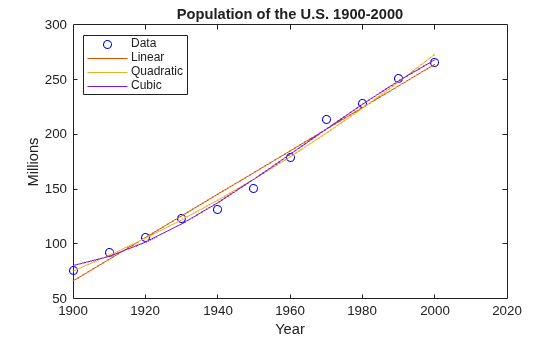
Introduction to the Live Editor
An introduction to the Live Editor. In the Live Editor, you can create live scripts that show output together with the code that produced it. Add formatted text, equations, images, and hyperlinks to enhance your narrative, and share the live script with others as an interactive document.
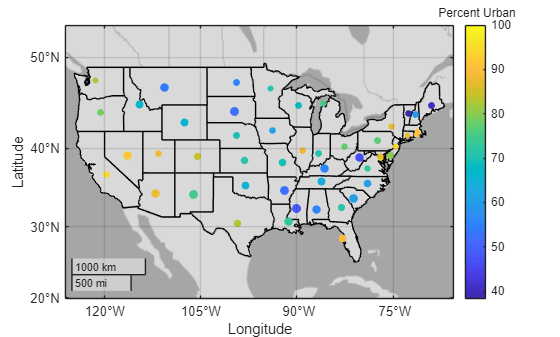
Accelerate Exploratory Programming Using the Live Editor
The following is an example of how to use the Live Editor to accelerate exploratory programming. This example demonstrates how you can use the Live Editor to:
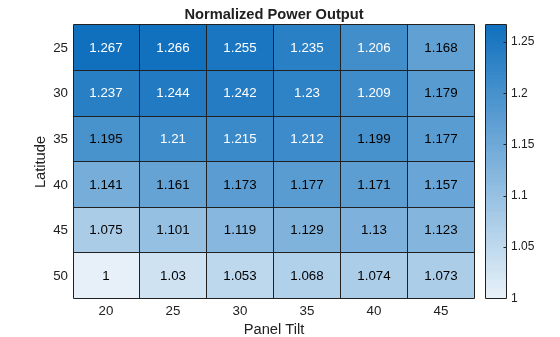
Create an Interactive Narrative Using the Live Editor
The following is an example of how to create an interactive narrative in the Live Editor. An interactive narrative ties together the computations that you use to solve a problem. This example shows how to:
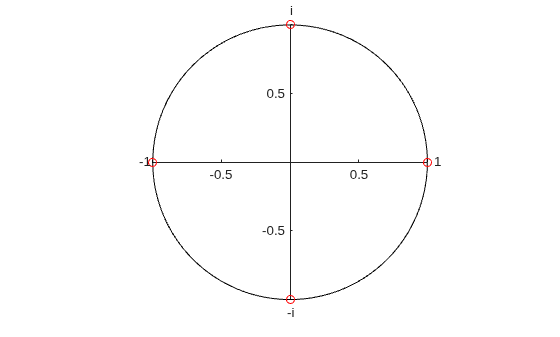
Create Interactive Course Materials Using the Live Editor
The following is an example of how to use live scripts in the classroom. This example shows how to:
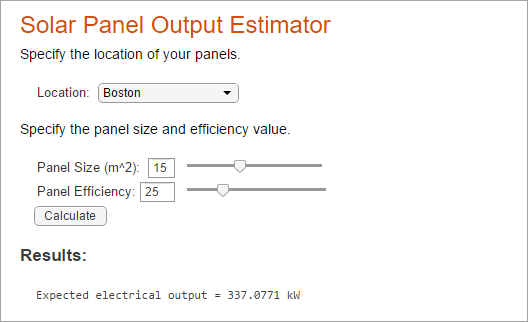
Create an Interactive Form Using the Live Editor
Use the Live Editor to create an interactive form that completes a calculation based on input provided by a user.
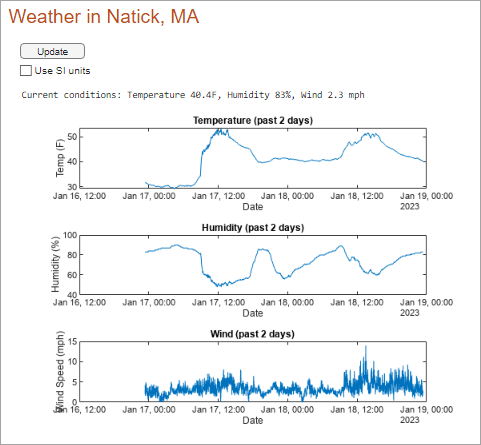
Create a Real-Time Dashboard Using the Live Editor
Use the Live Editor to create a dashboard for displaying and analyzing real-time data.
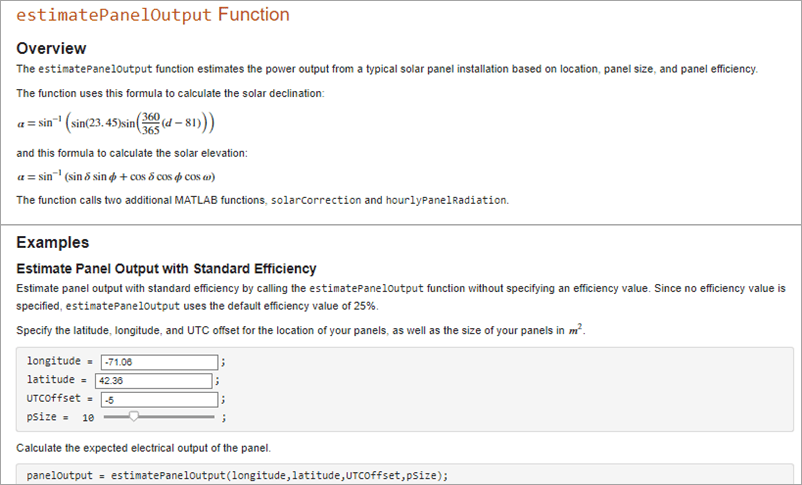
Create Runnable Examples Using the Live Editor
Use the Live Editor to document your functions.
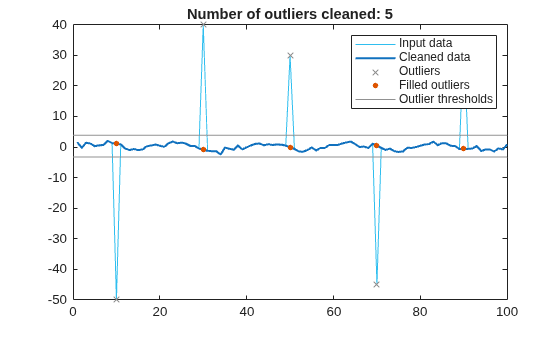
Clean Messy Data and Locate Extrema Using Live Editor Tasks
Interactively preprocess data with Live Editor Tasks.

