系统外设
R2026a使用 TI 的 C2000™ 微控制器上可用的系统外设(如 CLA、GPIO 和 Watchdog)创建 Simulink® 模型。使用模型配置参数配置 Simulink 模型以与支持的目标硬件对接。您可以使用硬件映射工具将模型中的任务和外设映射到硬件板配置。这些模块是特定于处理器的,并非在所有 TI 的 C2000 微控制器上都可用。
模块
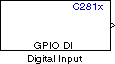 | C281x GPIO Digital Input | General-purpose I/O pins for digital input |
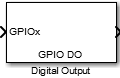 | C281x GPIO Digital Output | General-purpose I/O pins for digital output |
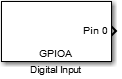 | F28M35x/F28M36x GPIO Digital Input | Read the logical value of a GPIO pin configured as input |
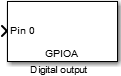 | F28M35x/F28M36x GPIO Digital Output | Set the logical value of a GPIO pin configured as output |
 | C28x GPIO Digital Input | 将通用输入/输出引脚配置为数字输入 |
| C28x GPIO Digital Output | 将通用输入/输出引脚配置为数字输出 |
 | C28x CLA Task | 创建 CLA 任务,该任务在 CLA 核心上执行下游函数调用子系统。 |
 | CLA Subsystem | Group blocks to execute algorithm inside CLA |
 | CLA Task Manager | Create and manage task executions in Control Law Accelerator (CLA) model (自 R2022a 起) |
 | CLA Math | 实现 CLA Math 库中的 CLA Math 函数 (自 R2023a 起) |
 | C28x Software Interrupt Trigger | 生成软件触发的不可屏蔽中断 |
 | Software Trigger CPU<->CLA | Trigger software events between processor (CPU) and control law accelerator (CLA) (自 R2022a 起) |
 | C28x Watchdog | 配置处理器 Watchdog 模块的计数器复位源 |
 | C281x Timer | Configure general-purpose timer in Event Manager module |
工具
| 硬件映射 | 将模型中的任务和外围设备映射到硬件板配置 (自 R2022b 起) |
模型设置
主题
- 支持 Texas Instruments C2000 处理器的示例
C2000 Microcontroller Blockset 为每个处理器系列支持的参考示例。
- 基于控制律加速器 (CLA) 的建模与代码生成
使用控制律加速器 (CLA) 协处理器对 C2000 MCU 模型进行建模和生成代码。
- Overview of CLA Configuration for C2000 Processors Using Subsystem
Overview of CLA Task and Subsystem, data exchange, interrupt generation and model configuration for CLA.
- Modeling Control Law Accelerator (CLA) Using Model Reference
Use the control law accelerator (CLA) co-processor in C2000 MCU models.
- Enhance Code Execution Speed in TI C2000 Simulink Applications
Optimize code for efficient execution.
- Implement Signal Routing Using C2000 Crossbar (X-BAR)
Overview of crossbar (X-BAR) in C2000 blockset.
- Exploring TI C2000 Toolchain Options
Utilize TI C2000 toolchains like COFF ABI, EABI, and ARM® to generate code.
疑难解答
External Interrupt Workflow for Texas Instruments C2000 Processors
This topic helps you with the workflow for external interrupts.
精选示例
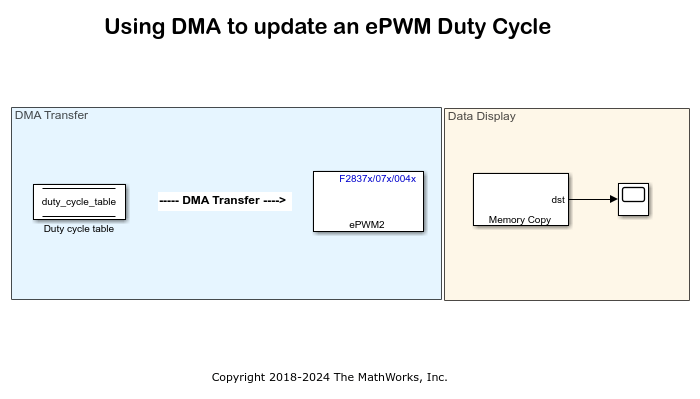
使用 DMA 修改 ePWM 占空比
本示例展示了如何配置直接内存访问 (DMA) 参数来修改 ePWM 占空比。使用 DMA,正弦波数据从查找表复制到 ePWM 比较寄存器。

使用控制律加速器 (CLA)
本示例展示了如何使用 TI® 处理器上的控制律加速器 (CLA) 和 C2000™ Microcontroller Blockset。

Texas Instruments 入门指南 C2000 Microcontroller Blockset
本示例向您展示如何使用 C2000™ Microcontroller Blockset 在 Texas Instruments™ C2000 硬件上运行 Simulink® 模型。
直流-直流功率转换中的控制律加速器
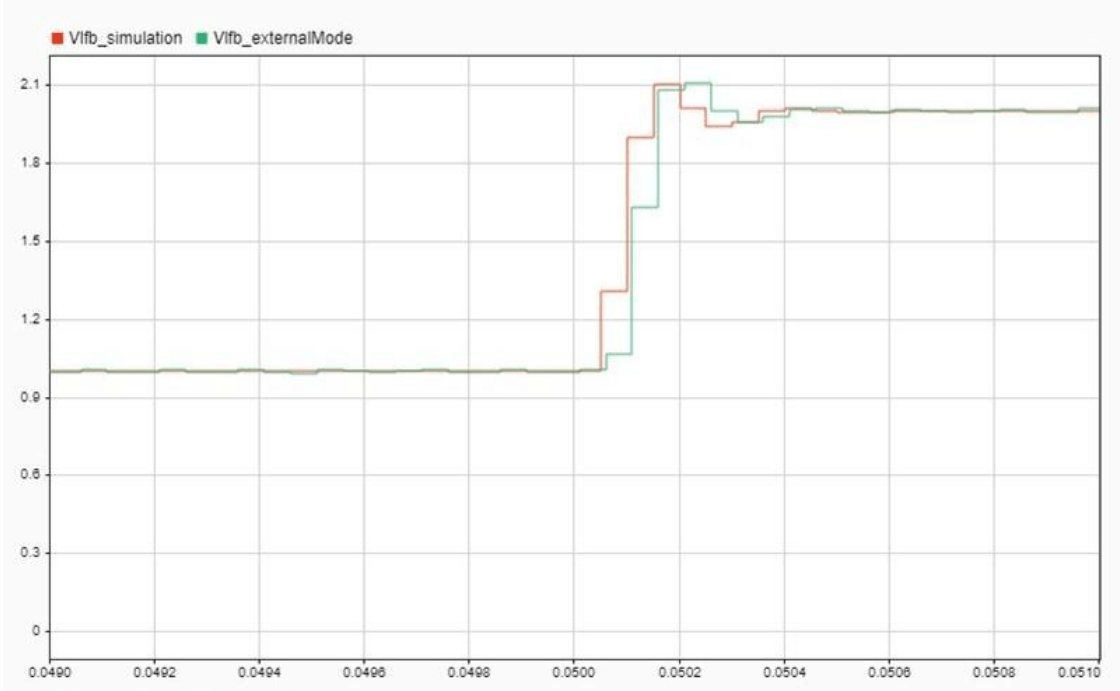
本示例展示了如何使用控制律加速器 (CLA) 管理闭环 DC-DC 电源转换系统的电压模式控制 (VMC) 算法。辅助软件电流保护回路由 C2000 CPU 管理。在 TMS320F28379D 和类似的处理器系列中,CLA 执行算法的硬实时部分,可以与 ADC 和 PWM 等硬件外设连接。C2000 CPU 更适合算法中需要多任务处理、异步事件处理以及与其他核心通信的硬实时部分。虽然此示例扩展了 基于 MCU 的 C2000 DC-DC 降压转换器 示例中开发的 DC-DC 降压转换器,但所提出的策略可以应用于任何设计,其中资源密集型硬实时进程在 CLA 上执行,而实时多任务进程在 C2000 CPU 上运行。
Implement Crossbar (X-BARs) Functionality with C2000 Microcontroller Blockset
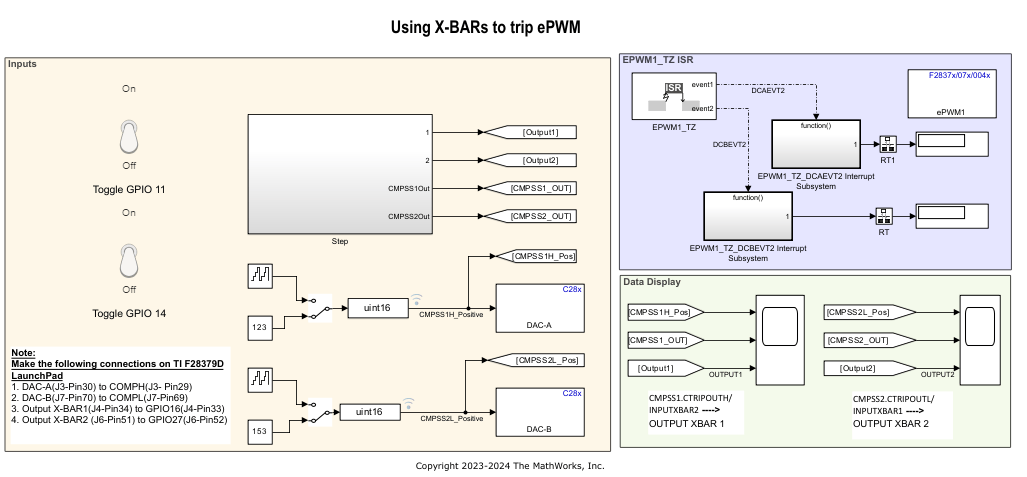
Use the Input, Output and ePWM X-BARs available on some of the TI® processors using C2000™ Microcontroller Blockset.

