Simulink 模型设计
R2026b使用支持的 Simulink 模块创建兼容 HDL 的 Simulink 模型
您可以在 Simulink® 环境中使用支持 HDL 代码生成的所有产品中的模块进行设计建模。要过滤 Simulink 库浏览器以仅显示 HDL 支持的模块,请输入 hdllib。有关支持 HDL 代码生成的 Simulink 模块列表,请参阅 Simulink 模块列表(HDL 代码生成)。在此列表中,您将看到在 Simulink 和 HDL Coder™ 库中都提供的模块。
除了 HDL Coder 子库外,支持的模块库还包括来自 Stateflow®、Communications Toolbox™、DSP System Toolbox™、Vision HDL Toolbox™、Wireless HDL Toolbox™ 和 HDL Verifier™ 库的模块。
使用与 HDL 代码生成兼容的模块设计模型,遵循 HDL 建模规范,并运行 HDL 代码顾问以更新模型来实现 HDL 兼容性。
类别
- 支持的模块和数据类型
支持的模块库和数据类型
- RAM 和 ROM 模块
使用 HDL RAM 库中的模块在硬件上模拟 RAM 和 ROM
- 用户定义的 MATLAB 函数
使用 User-Defined Functions 库中的模块创建支持 HDL 的算法
- Stateflow 模块
使用 Stateflow 库中的模块创建支持 HDL 的算法
- 层次化设计与同步硬件行为
使用 State Control 模块创建子系统和层次化 HDL 设计
- 模型引用
将模型作为模块重用于其他模型
- 模型保护
创建一个用于仿真和代码生成的受保护模型以与第三方共享
- 模型配置
模块实现和模型配置参数设定
- HDL 建模规范
在 Simulink 模型中设计 HDL 算法的规范
- 模型兼容性检查
HDL 代码顾问的描述,以及如何使用它检查和更新模型以实现与 HDL 代码生成的兼容性
精选示例
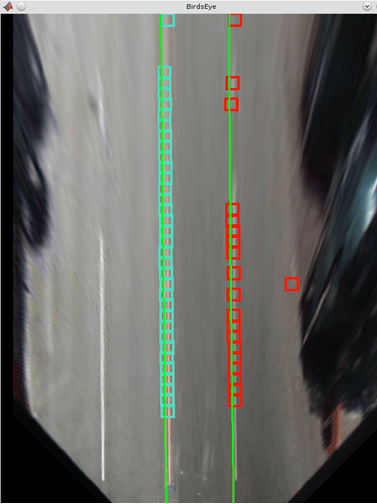
Lane Detection
Implement a lane-marking detection algorithm for FPGAs.
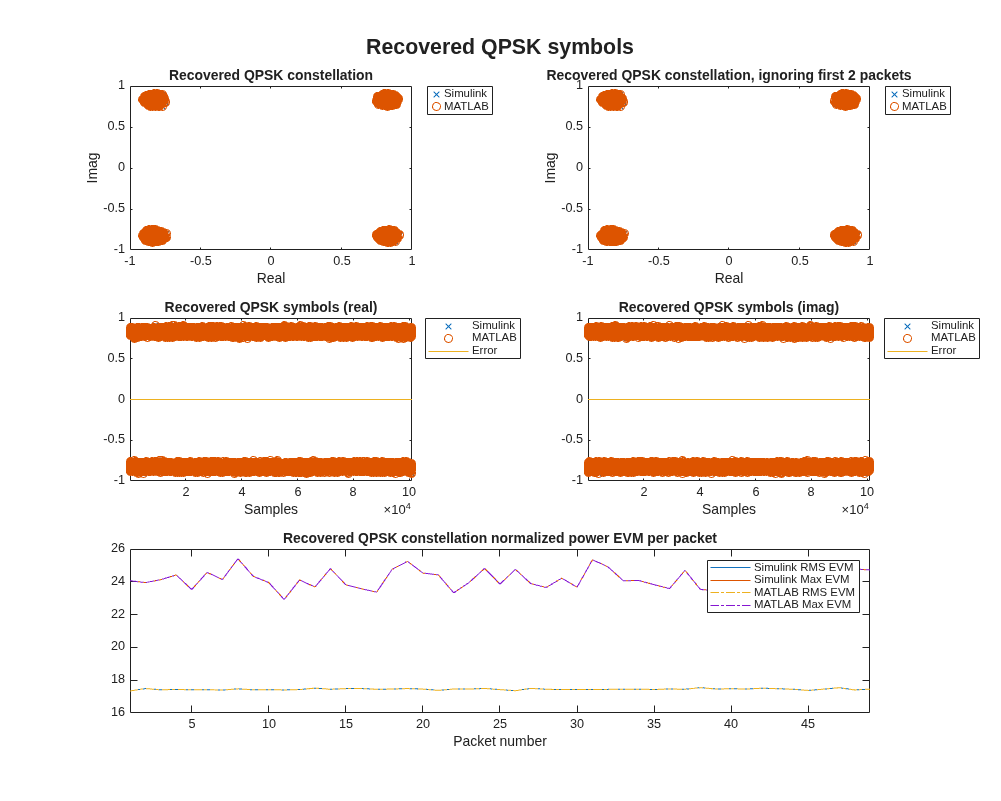
QPSK Transmitter and Receiver
Design and verify a QPSK transmitter and receiver for hardware.
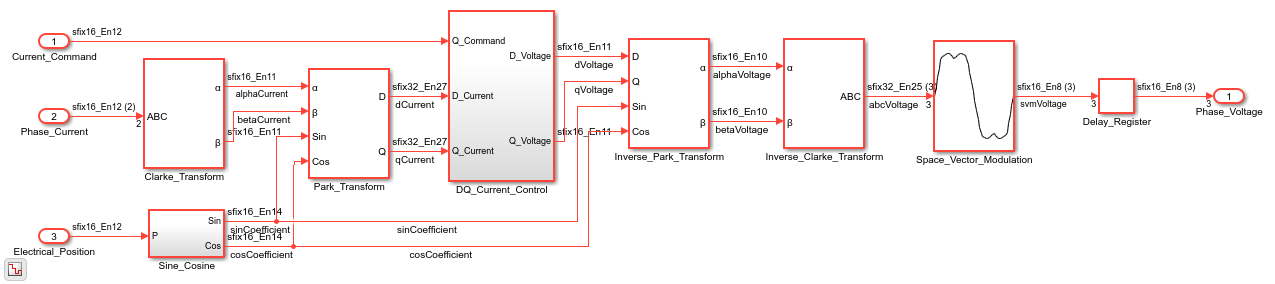
永磁同步电机的磁场定向控制
为永磁同步电机 (PMSM) 的磁场定向控制 (FOC) 算法生成 HDL 代码。

