Aerospace Scenarios
R2026bUse the Aerospace Blockset > Animation > Simulation 3D library blocks to visualize vehicle dynamics and airport operations in the Unreal Engine environment. See How 3D Simulation for Aerospace Blockset Works and watch Visualization Techniques with Aerospace Blockset Video.
Use 3D simulation blocks (requires Simulink® 3D Animation™) to integrate Unreal Engine with Simulink so that you can interrogate the world around the vehicle for virtually testing perception, control, and planning algorithms.
The Unreal Engine visualization environment is not supported in Simulink Online. This limitation includes the Aerospace Blockset > Animation > Simulation 3D library.
Blocks
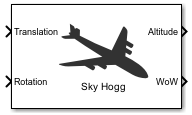 | Simulation 3D Aircraft | Implement aircraft in 3D environment |
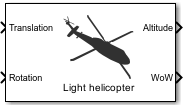 | Simulation 3D Rotorcraft | Implement 3D Rotorcraft (Since R2023a) |
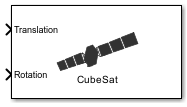 | Simulation 3D Spacecraft | Implement spacecraft in 3D environment (Since R2024a) |
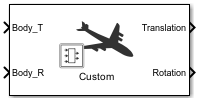 | Simulation 3D Custom Pack | Generate translation and rotation information for custom aircraft (Since R2023b) |
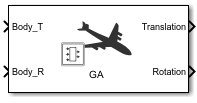 | Simulation 3D General Aviation Pack | Generate translation and rotation information for general aviation aircraft (Since R2023b) |
 | Simulation 3D Airliner Pack | Generate translation and rotation information for generic airliner (Since R2023b) |
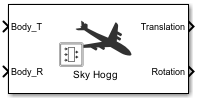 | Simulation 3D Sky Hogg Pack | Generate translation and rotation information for Sky Hogg (Since R2023b) |
 | Simulation 3D Air Transport Pack | Generate translation and rotation information for air transport aircraft (Since R2023b) |
 | Simulation 3D Helicopter Pack | Generate translation and rotation information for helicopter (Since R2023b) |
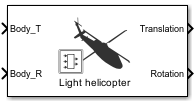 | Simulation 3D Light Helicopter Pack | Generate translation and rotation information for light helicopter (Since R2023b) |
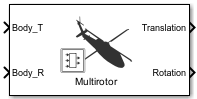 | Simulation 3D Multirotor Pack | Generate translation and rotation information for multirotor rotorcraft (Since R2023b) |
 | Simulation 3D CubeSat Pack | Create translation and rotation input matrices for CubeSat (Since R2024a) |
 | Simulation 3D SmallSat Pack | Create translation and rotation input matrices for SmallSat (Since R2024a) |
 | Simulation 3D Scene Configuration | Scene configuration for 3D simulation environment |
 | Simulation 3D Ultrasonic Sensor | Ultrasonic sensor model in 3D simulation environment (Since R2023b) |
 | Simulation 3D Space Environment | Configure 3D Earth or Moon Scene from UTC Julian date input (Since R2026a) |
 | Simulation 3D Actor Transform Get | Get actor translation, rotation, scale |
 | Simulation 3D Actor Transform Set | Set actor translation, rotation, scale |
 | Simulation 3D Camera Get | Camera image |
 | Simulation 3D Message Get | Retrieve data from Unreal Engine visualization environment |
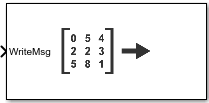 | Simulation 3D Message Set | Send data to Unreal Engine visualization environment |
Scenes and Vehicles
Functions
copyExampleSim3dProject | Copy support package files and plugins to specified folders (Since R2022b) |
sim3d.Editor | Interface to the Unreal Engine project |
open | Open the Unreal Editor |
ASim3dActor | Abstract class to use as a base class for user-defined Unreal Engine C++ or blueprint actors |
Sim3dSetup | C++ method that sets up actor in Unreal Engine 3D simulation |
Sim3dStep | C++ method that steps actor in Unreal Engine 3D simulation |
Sim3dRelease | C++ method that releases actor in Unreal Engine 3D simulation |
StartSimulation3DMessageReader | Constructs a message reader object in the Unreal Editor |
ReadSimulation3DMessage | Receives message from Simulink model using a message reader object |
StopSimulation3DMessageReader | Deletes message reader object in the Unreal Editor |
StartSimulation3DMessageWriter | Constructs a message writer object in the Unreal Editor |
WriteSimulation3DMessage | Sends message to Simulink model using a message writer object |
StopSimulation3DMessageWriter | Deletes message writer object in the Unreal Editor |
Classes
sim3d.maps.Map | Access additional scenes from the server (Since R2022b) |
sim3d.environment.GeospatialConfiguration | Create 3D environment in Unreal Engine (Since R2024b) |
Topics
Simulation Basics
- Unreal Engine Simulation Environment Requirements and Limitations
When simulating in the Unreal Engine environment, keep these software requirements, minimum hardware requirements, and limitations in mind. - Navigate in Unreal Engine Environment
Control the view of the 3D environment in the Simulation 3D Viewer using keyboard shortcuts and pointer controls. - How 3D Simulation for Aerospace Blockset Works
Learn about the co-simulation framework between Simulink and the Unreal Engine and how block execution order affects 3D simulation. - 3D Scenes for Simulation in Unreal Engine Environment
Install 3D scenes for simulation in Unreal Engine environment. - Generate Unreal Engine Landscape
Use Unreal Editor to create a landscape map by importing a heightmap file. - Interact with Unreal Engine Simulation Environment
Control actors in Unreal Engine environment using the Simulation 3D Viewer interface and programmatically control the simulation. - Aerospace Coordinate System Examples for Unreal Engine Workflows
Explore aerospace coordinate systems for use with Unreal Engine visualization.
Scene Customization
- Customize 3D Scenes for Aerospace Blockset Simulations
To customize scenes and aircraft projects, use the Aerospace Blockset™ Interface for Unreal Engine Projects support package.
- Get Started Communicating with the Unreal Engine Visualization Environment
Use the Simulation 3D Message Get and Simulation 3D Message Set blocks to communicate with the Unreal® Editor. - Create Empty Project in Unreal Engine
Create empty project to use in custom scenes. - Build Light in Unreal Editor
Build and use lighting in the Unreal Editor. - Prepare Custom Aircraft Mesh for the Unreal Editor
Create custom aircraft mesh for the Simulation 3D Aircraft block. - Place Cameras on Actors in the Unreal Editor
Place camera blocks on static and custom actors.
Cesium for Unreal
- Visualize with Cesium
Stream 3D map and terrain data of a location.
Related Information
Featured Examples
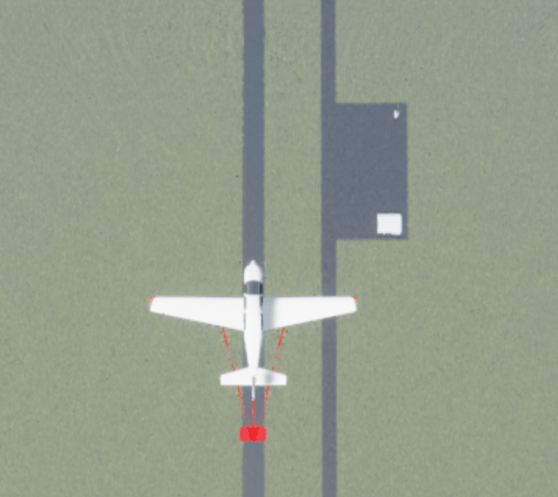
Using Unreal Engine Visualization for Airplane Flight
Use Unreal Engine to visualize a lightweight airplane flying over an airport.
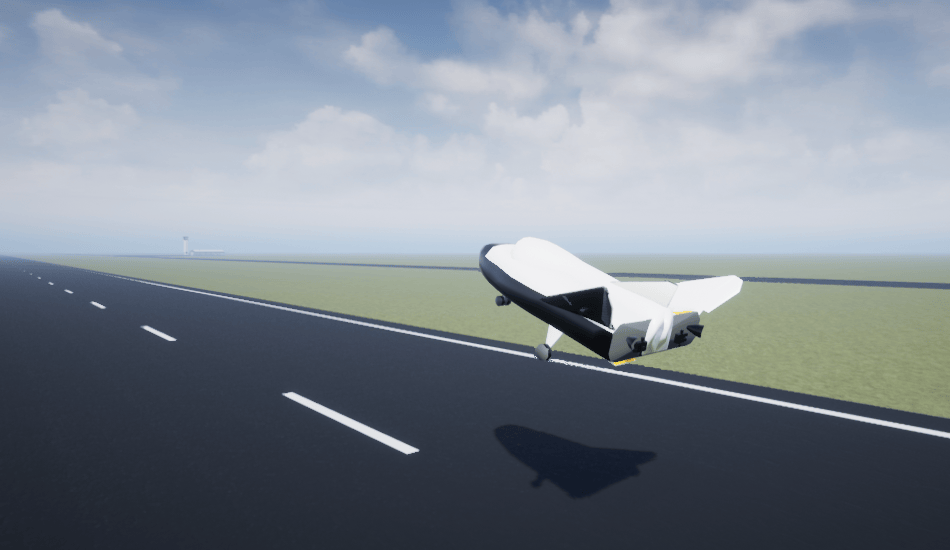
HL-20 with Flight Instrument Blocks and Visualization Using Unreal Engine
Model NASA HL-20 lifting body and controller modeled in Simulink and Aerospace Blockset, using Unreal Engine for visualization.
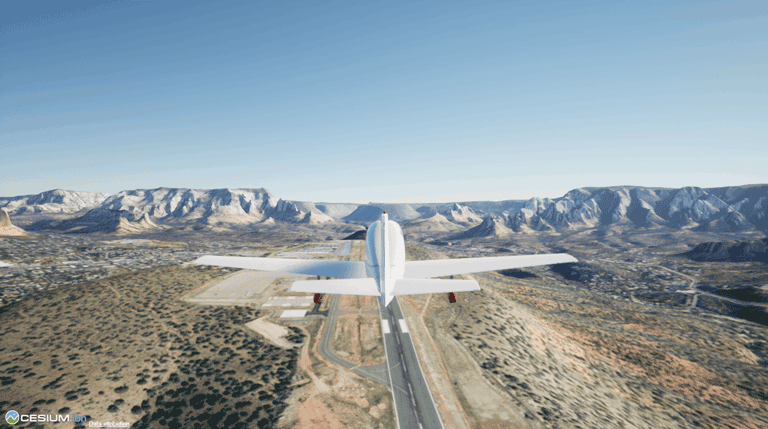
Fly the De Havilland Beaver with Unreal Engine Visualization
Model the De Havilland Beaver using Simulink and Aerospace Blockset software with Unreal Engine and Cesium® visualization.
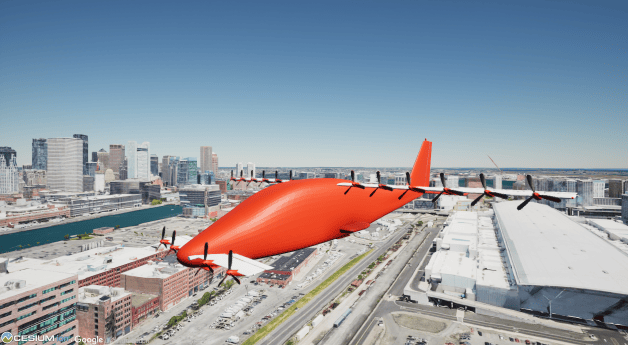
Custom Vertical Takeoff and Landing Example
Use custom visualizations to make four flights to destinations in Boston.

