通信外设
R2026a使用 TI 的 C2000™ 微控制器上可用的通信外设(如 CAN、I2C、IPC、SCI、SPI 等)创建 Simulink® 模型。使用模型配置参数配置 Simulink 模型以与支持的目标硬件对接。您可以使用硬件映射工具将模型中的任务和外设映射到硬件板配置。
模块
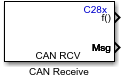 | C28x CAN Receive | 增强型控制器局域网接收邮箱 |
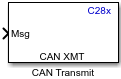 | C28x CAN Transmit | 增强型控制器局域网传输邮箱 |
 | MCAN Receive | Read data from CAN bus |
 | MCAN Transmit | Send serial data to CAN bus |
 | MCAN Interrupt Status | Output specific bits of MCAN interrupt register or entire register |
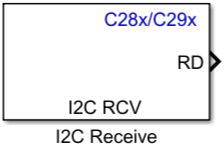 | C28x I2C Receive | Configure inter-integrated circuit (I2C) module to receive data from I2C bus |
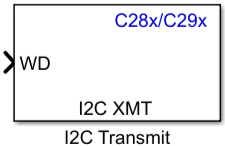 | C28x I2C Transmit | Configure inter-integrated circuit (I2C) module to transmit data to I2C bus |
 | Interprocess Data Read | Receive messages from another processor using interprocess communication channel |
 | Interprocess Data Write | Send messages to another processor using interprocessor data write |
 | Interprocess Data Channel | Model interprocessor data channel between two processors |
 | C28x SCI Receive | 通过串行通信接口 (SCI) 从主机接收目标数据 |
 | C28x SCI Transmit | 通过串行通信接口 (SCI) 将目标数据传输到主机 |
 | C28x SPI Controller Transfer | Write data to and read data from SPI peripheral device |
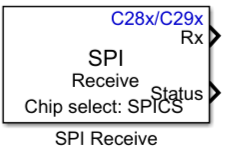 | C28x SPI Receive | Receive data through Serial Peripheral Interface (SPI) on target |
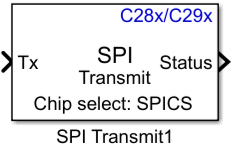 | C28x SPI Transmit | Transmit data through Serial Peripheral Interface (SPI) on target |
 | C2803x LIN Receive | Receive data via local interconnect network (LIN) module on target |
 | C2803x LIN Transmit | Transmit data from target via serial communications interface (SCI) to host |
 | C29x UART Receive | Receive data from the Universal Asynchronous Receiver Transmitter (UART) port (自 R2025a 起) |
 | C29x UART Transmit | Send serial data to the Universal Asynchronous Receiver Transmitter (UART) port (自 R2025a 起) |
| MCAN Receive | Read data from CAN bus |
| MCAN Transmit | Send serial data to CAN bus |
| MCAN Interrupt Status | Output specific bits of MCAN interrupt register or entire register |
 | F2838x-M4 TCP Receive | Receive data over TCP/IP network from remote host |
 | F2838x-M4 TCP Send | Send data over TCP/IP network to remote host |
 | F28M35x/F28M36x TCP Send | Send TCP packets to a TCP host on TCP/IP network |
 | F28M35x/F28M36x TCP Receive | Receive TCP packets from TCP host on TCP/IP network |
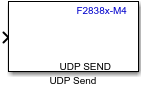 | F2838x-M4 UDP Send | Send UDP packets to UDP host |
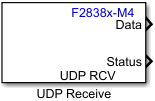 | F2838x-M4 UDP Receive | Receive UDP packets from UDP host |
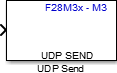 | F28M35x/F28M36x UDP Send | Send UDP packets to UDP host |
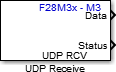 | F28M35x/F28M36x UDP Receive | Receive UDP packets from the specified UDP host |
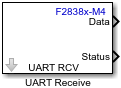 | F2838x-M4 UART Receive | 从通用异步收发器 (UART) 端口接收数据 |
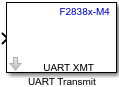 | F2838x-M4 UART Transmit | 向通用异步收发器 (UART) 端口发送串行数据 |
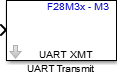 | F28M35x/F28M36x UART Transmit | Transmit serial data to the Universal Asynchronous Receiver Transmitter (UART) port |
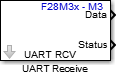 | F28M35x/F28M36x UART Receive | Receive data from the Universal Asynchronous Receiver Transmitter (UART) port |
 | F2838x-M4 Hardware Interrupt | Trigger downstream function-call subsystem from interrupt service routine |
 | F28M3xx-M3 Hardware Interrupt | Trigger downstream function-call subsystem from interrupt service routine |
 | F2837xD/F2838x/F2838x-M4 IPC Receive | Receive data from either core while using separate model for each core |
 | F2837xD/F2838x/F2838x-M4 IPC Transmit | 使用为每个内核单独建模的方式,将数据传输到任一内核。 |
工具
| 硬件映射 | 将模型中的任务和外围设备映射到硬件板配置 (自 R2022b 起) |
模型设置
主题
- 支持 Texas Instruments C2000 处理器的示例
C2000 Microcontroller Blockset 为每个处理器系列支持的参考示例。
- Configuring LIN Communications
The LIN communications architecture supports a single controller node and up to 16 peripheral nodes on a LIN network.
- Configuring Timing Parameters for CAN Blocks
Lists the specific blocks whose timing parameters are set with the described process
- Communication Between Cores Using IPC Blocks
Use the IPC blocks to communicate between cores in F2837xD and F2838x processors on the TI C2000 processor.
- Enhance Code Execution Speed in TI C2000 Simulink Applications
Optimize code for efficient execution.
- Implement Signal Routing Using C2000 Crossbar (X-BAR)
Overview of crossbar (X-BAR) in C2000 blockset.
- Exploring TI C2000 Toolchain Options
Utilize TI C2000 toolchains like COFF ABI, EABI, and ARM® to generate code.
- Buffer Logic for Data Transmission
Configure SCI buffers for host-target communication.
疑难解答
External Interrupt Workflow for Texas Instruments C2000 Processors
This topic helps you with the workflow for external interrupts.
Troubleshooting External Mode Issues
Troubleshoot the problems when you try to execute TI C2000 Simulink model in External Mode.
Optimizing Baud Rate Settings for External Mode Communication
Optimize baud rates of SCI-A, on-board FTDI, and windows COM port for external mode communication.
精选示例
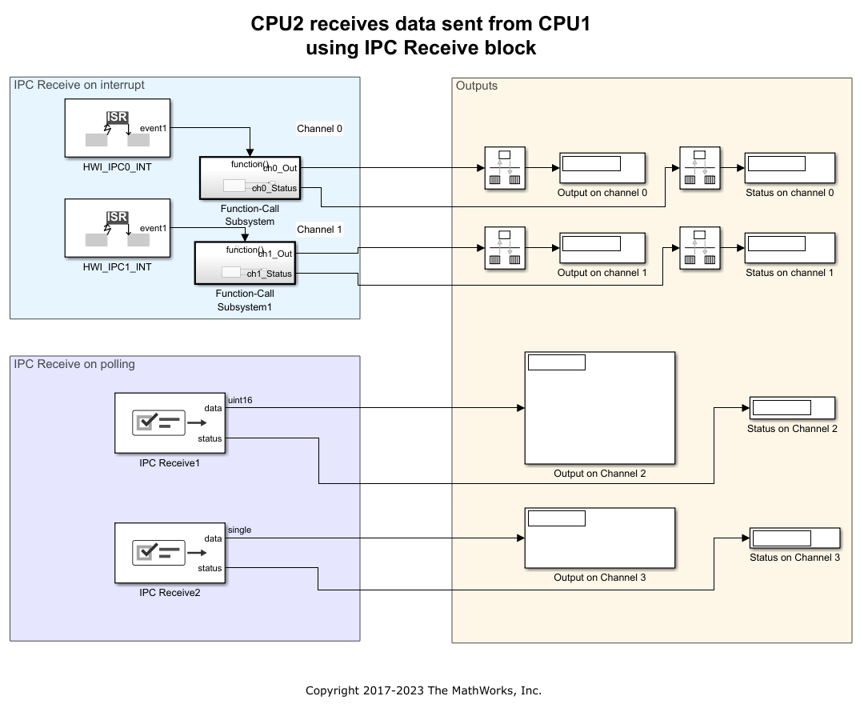
使用 IPC 模块进行处理器间通信
本示例展示了如何使用 IPC 模块在 Texas Instruments™ C2000™ Microcontroller Blockset 和 Simulink® 模型的多核处理器的多个内核之间进行通信。

使用 CAN 模块进行通信
本示例展示了如何使用 CAN 模块在目标硬件和主机之间建立 CAN 通信,以支持 Texas Instruments™ C2000™ Microcontroller Blockset。
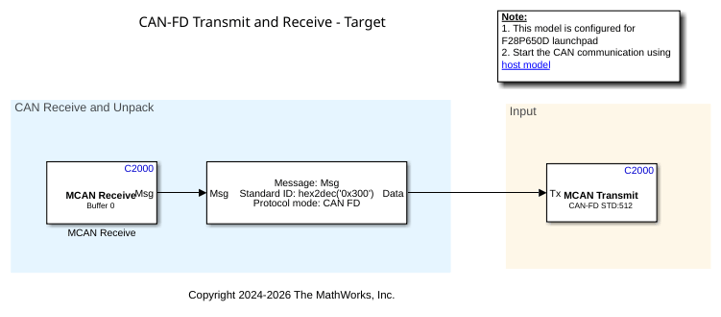
Communication with MCAN Blocks
Use the MCAN blocks to set up MCAN communication between the target hardware and your host computer for Texas Instruments® C2000™ Microcontroller Blockset.

使用 SCI 模块进行串行通信
本示例展示了如何使用 SCI 模块在目标硬件和主机之间建立串行通信,以支持 C2000™ Microcontroller Blockset。
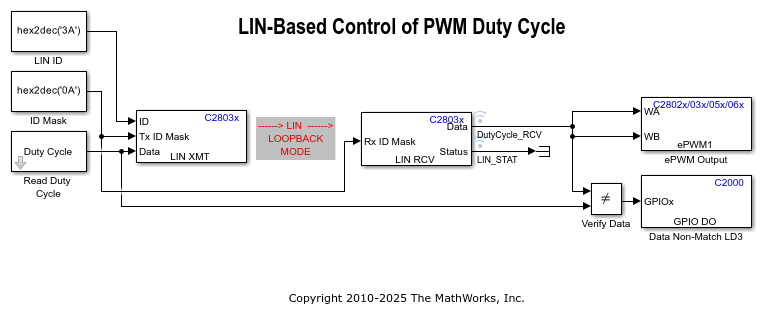
LIN-Based Control of PWM Duty Cycle
Use the C28035 LIN Receive, LIN Transmit, and PWM blocks to generate a pulse waveform.

使用 I2C 总线访问传感器
本示例展示了如何使用 I2C 模块与基于 I2C 的设备进行通信。

使用 SPI 对 SPI EEPROM 进行数据读写
本示例展示了如何配置和使用 SPI 模块来读取和写入数据。
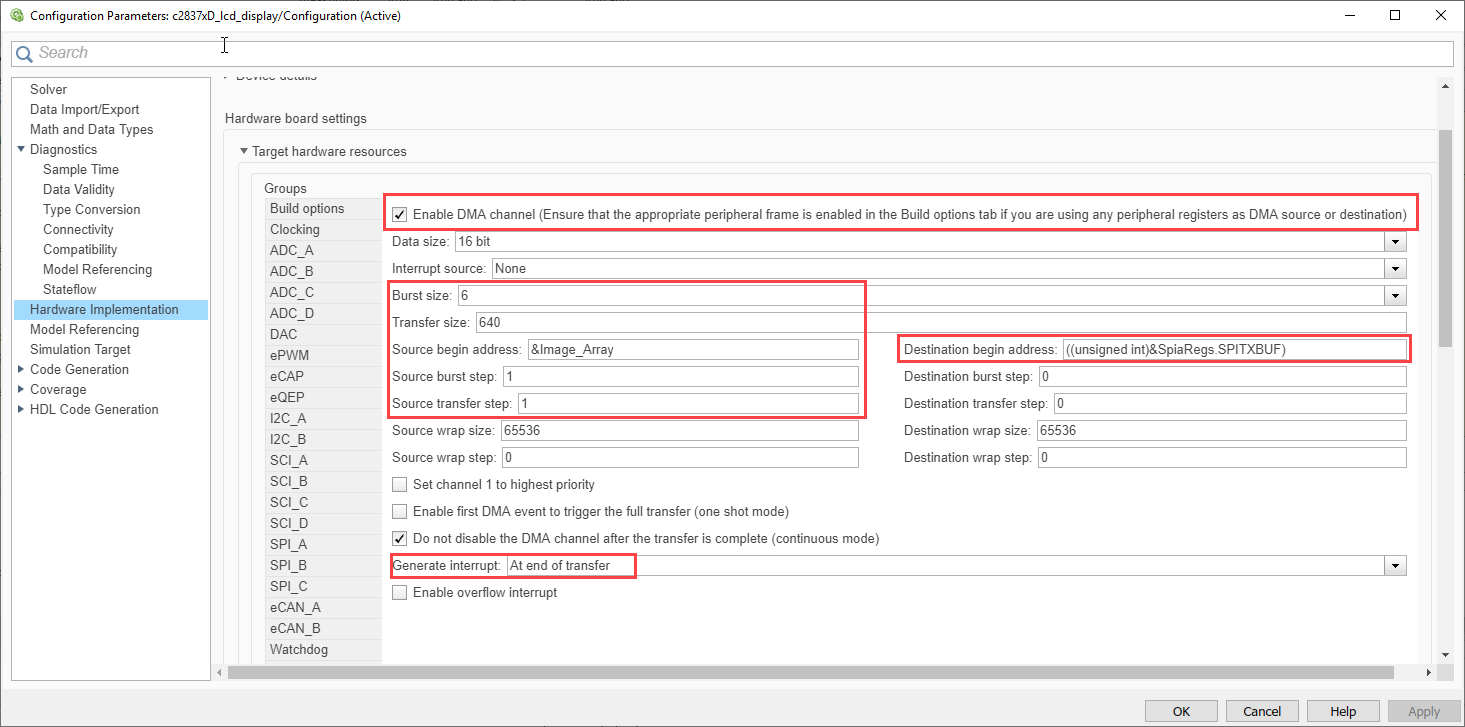
Interface LCD Booster Pack with Texas Instruments C2000 Processors
Configure and use the Kentec QVGA Display Booster Pack to display an image using C28x™ peripherals for Texas Instruments™ C2000™ processors.
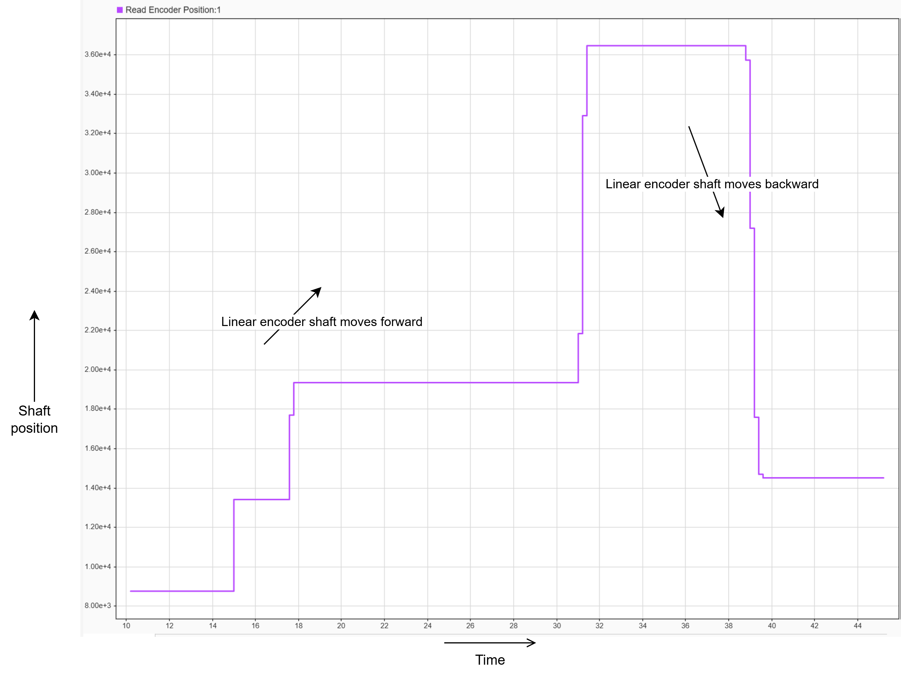
Read Position of BiSS-C Absolute Encoder
Read a position of an absolute encoder using the bidirectional serial/synchronous-continuous (BiSS-C) open protocol in the unidirectional mode. This example implements the BiSS-C protocol using TI C2000 peripherals such as CLB, SPI, ePWM, X-BAR, and GPIO using the C2000™ Microcontroller Blockset.
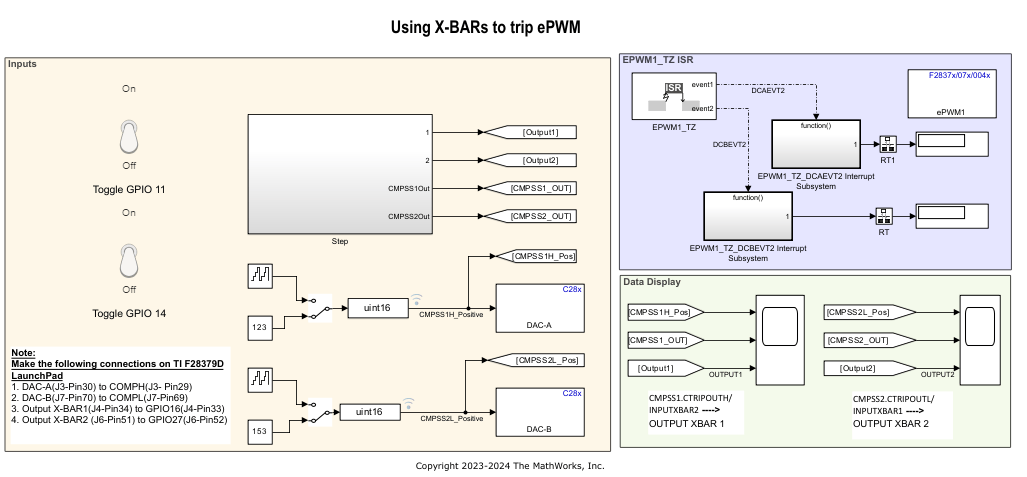
Implement Crossbar (X-BARs) Functionality with C2000 Microcontroller Blockset
Use the Input, Output and ePWM X-BARs available on some of the TI® processors using C2000™ Microcontroller Blockset.

