光学系统设计与分析
R2026a使用 Optical Design and Simulation Library for Image Processing Toolbox™ 设计和仿真光学系统。该库使您能够创建自定义光学设计,使用来自综合材料库的块状玻璃和镀膜材料,导入块状材料,以及创建自定义光学材料和镀膜。该库提供可视化工具以在二维和三维中可视化光学设计。此外,您还可以通过从 ZMX 文件导入系统来与现有光学设计集成。
您可以通过跟踪射线、执行偏振分析、计算光斑图、分析像差、镜头畸变和场曲来评估光学系统。然后您可以可视化结果。此外,您也可以使用 Optimization Toolbox™ 中提供的优化工具来优化光学系统和光学镀膜。
光学系统设计器为光学系统设计提供交互式界面。您可以使用该 App 设计自定义光学系统,仿真从 ZMX 文件导入的光学系统,并以交互方式可视化跟踪的射线、光斑图、像差、畸变、场曲和其他分析。
要开始使用 Optical Design and Simulation Library for Image Processing Toolbox,请参阅Get Started with Optical Design and Simulation。
您可以从附加功能资源管理器安装 Optical Design and Simulation Library for Image Processing Toolbox。有关安装附加功能的详细信息,请参阅获取和管理附加功能。
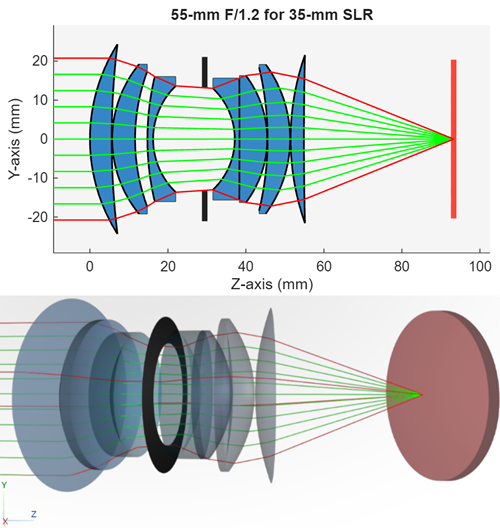
App
| 光学系统设计器 | Design and analyze optical systems (自 R2026a 起) |
函数
主题
快速入门
- Get Started with Optical Design and Simulation
Use optical design and analysis tools to simulate and tune optical system performance for optics applications. - Coordinate Systems in Optics
Understand optics coordinate systems to manipulate positions and orientation of optical systems and their components. - Create Field Points
Create field point representations of light sources for an optical system. - Load, Create, and Use Optical Materials
Use materials from optical coating and glass libraries, or create custom optical materials. - Select Optical Material for Optical System
This example shows how to select optical materials from the glass library and from optical materials in the workspace based on criteria such as refractive index, Abbe number, and supported wavelengths.
光学系统分析
- Configure Ray Sampling in Optical System
Configure ray sampling surface and sampling grid for ray tracing in optics. - Analyze Optical System Using Optical System Designer
This example shows how to analyze an optical system that you have designed or imported into the Optical System Designer app. - Optimize Photographic Zoom Lens Component Positions
This example demonstrates how to use numerical optimization techniques to optimize the positions of zoom groups and achieve a target focal length.
光学镀膜
- Apply Optical Coatings
Design, edit, and apply optical coating to optical surfaces. - Optimize Coating Design for Longpass Optical Filter
This example demonstrates how to design a 550 nm longpass optical filter, accounting for material properties and manufacturing limits using the Optimization Explorer (Optimization Toolbox) app.
精选示例
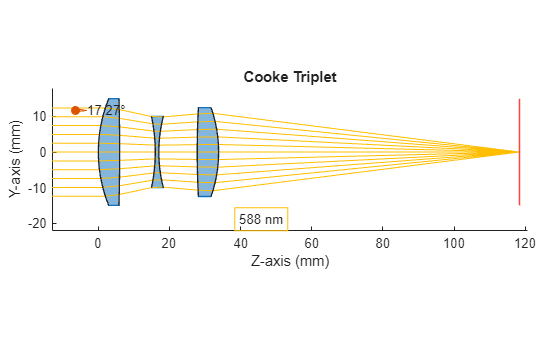
Design Cooke Triplet
Design a Cooke triplet lens system. This example requires the Optical Design and Simulation Library for Image Processing Toolbox™. You can install the Optical Design and Simulation Library for Image Processing Toolbox from Add-On Explorer. For more information about installing add-ons, see 获取和管理附加功能.
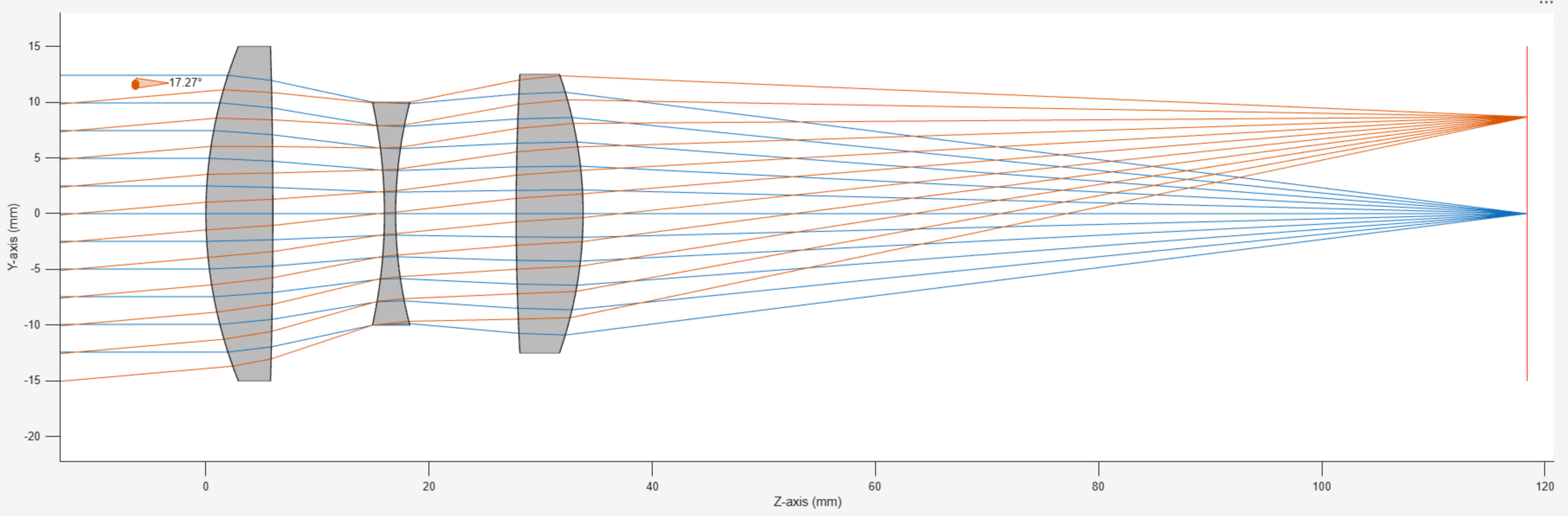
Design Optical System Using Optical System Designer
Design an optical system using the Optical System Designer app. The Optical System Designer app enables you to design, modify, simulate, and analyze optical systems. Using the app, you can:
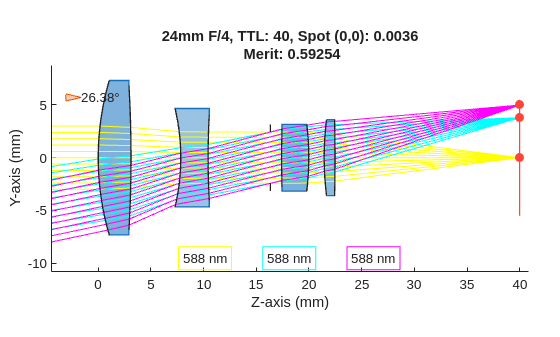
Optimize Monochromatic Camera Lens System for Type 2/3 Sensor
Demonstrates how to design and optimize a general purpose monochromatic 25 mm F/4 camera lens system for a 2/3'' sensor. A 25 mm focal length provides a moderate field of view, while an F/4 aperture helps balance light and depth of field. The monochromatic assumption simplifies the design for optical systems that use narrowband light sources such as narrowband LED.
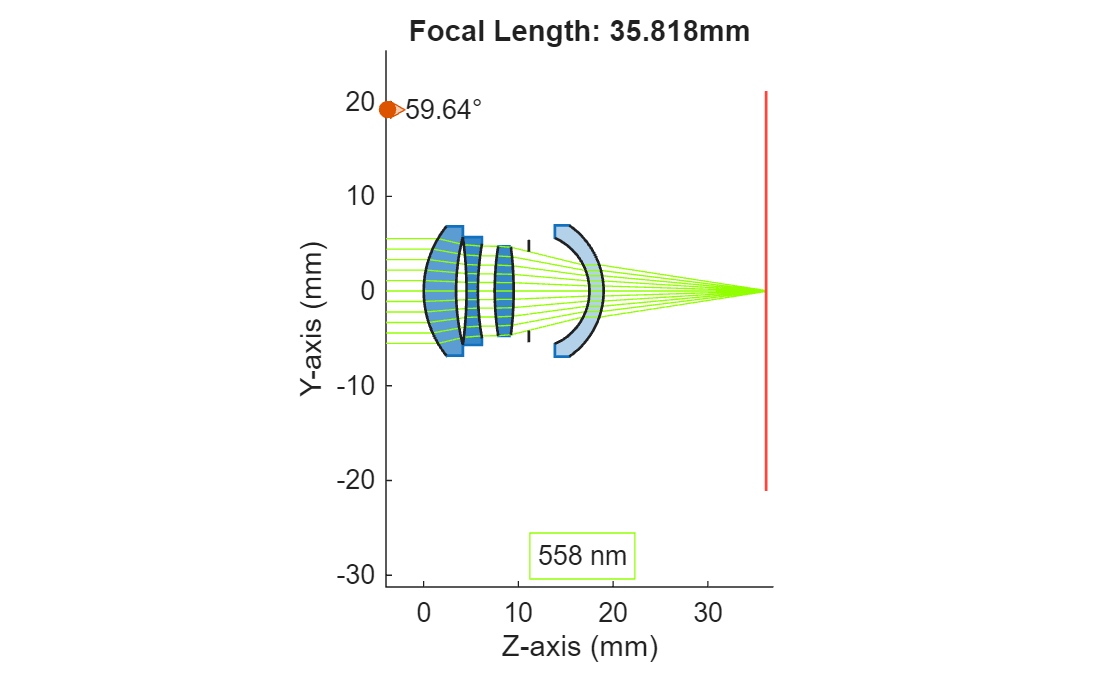
Modify Focal Length By Scaling Optical System
Modify the focal length of an optical system by appropriately scaling its individual components and gaps between components. Scale the optical system to adapt reference optical system designs to new focal length constraints, or to create reference designs which are normalized to a unit focal length.
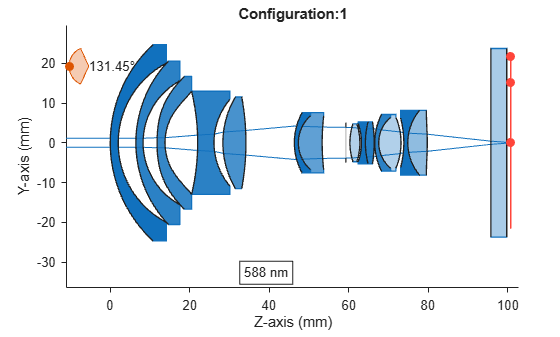
Apply Configurations to Optical System Imported from ZMX File
To apply preset configurations from a ZMX file to the optical design stored in the ZMX file.
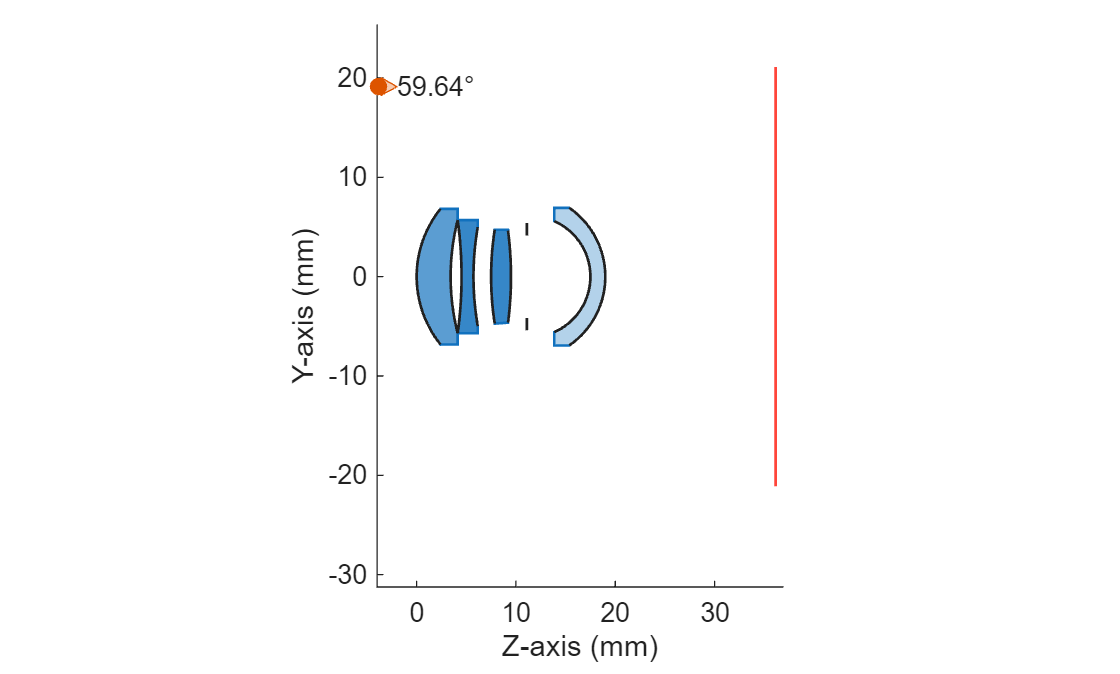
Create Lens Prescription Table for Optical System
Lens prescription tables are detailed specifications that describe the physical and optical properties of a lens or a lens system. These tables contain surface specifications such as the surface number and name, radius of curvature, lens thickness and spacing, and glass material properties such as the refractive index and Abbe number, which makes them crucial in the design and manufacturing of optical systems such as cameras, microscopes, and telescopes.
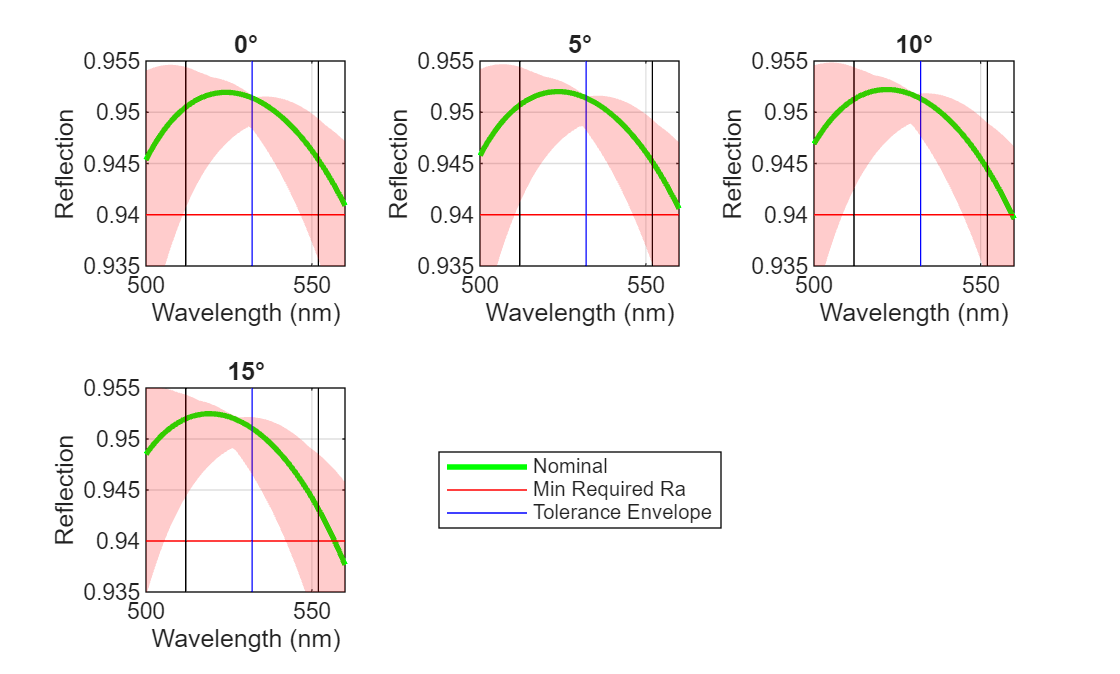
Perform Sensitivity and Yield Analysis of Optical Coating Using Monte Carlo
Demonstrates how to calculate the sensitivity of optical coating layers in a Bragg reflector. To estimate the expected manufacturing yield, you then implement Monte Carlo simulation that incorporates material-specific tolerances in layer thickness and refractive index. Monte Carlo (MC) simulation is a statistical method that estimates system performance by repeatedly evaluating the design with randomized variations in its parameters. Each MC trial represents one possible manufactured coating, created by sampling all layer thicknesses and refractive indices according to their specified tolerances. This approach quantifies how sensitive the coating’s optical performance is to real-world process variations, and predicts the proportion of manufactured parts, or the yield, expected to meet the required specifications.

